Skip to content
Webisyo

16 modules · one panel · any device

Business managementon the web

From the till to the reception desk, from a rental flat to a staff leave form, your whole operation runs in one web panel. Switch on the module you need and let Webisyo run the rest.

modules
16
installs
0
access
24/7
webisyo.comLive panel

Table 12 · Waiter: Can

  • Grilled Sea Bass$24
  • Garden Salad$9
  • Lemonade$4
  • Kunefe$8
  • Turkish Coffee$3
  • Water$1

Ticket #2041

  • 1 × Grilled Sea Bass$24
  • 1 × Garden Salad$9
  • 1 × Lemonade$4
Total$37
Send to kitchen

Webisyo modules

Highlights

Every job gets its own screen.

Webisyo isn’t a single app. It’s a family of modules that work together. Here’s a closer look at the most popular ones.

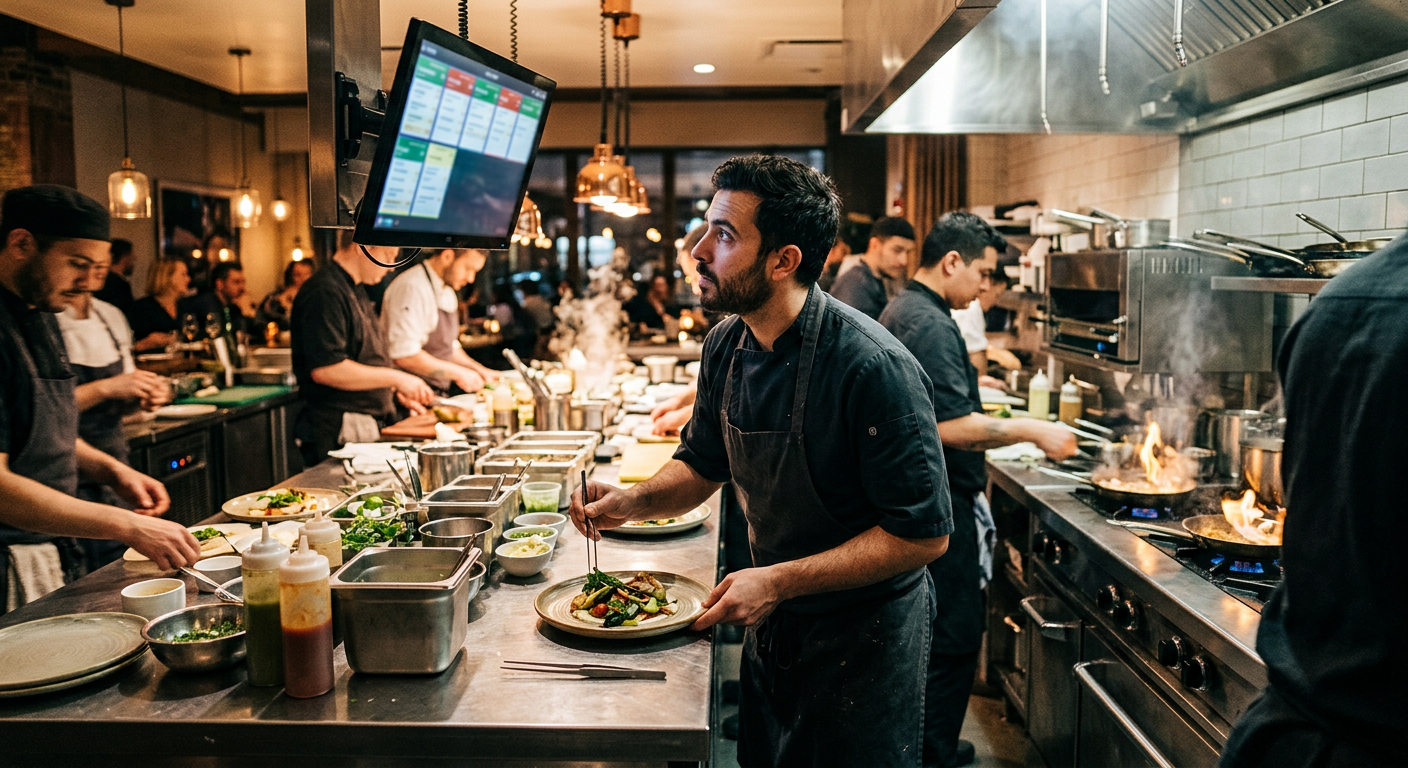
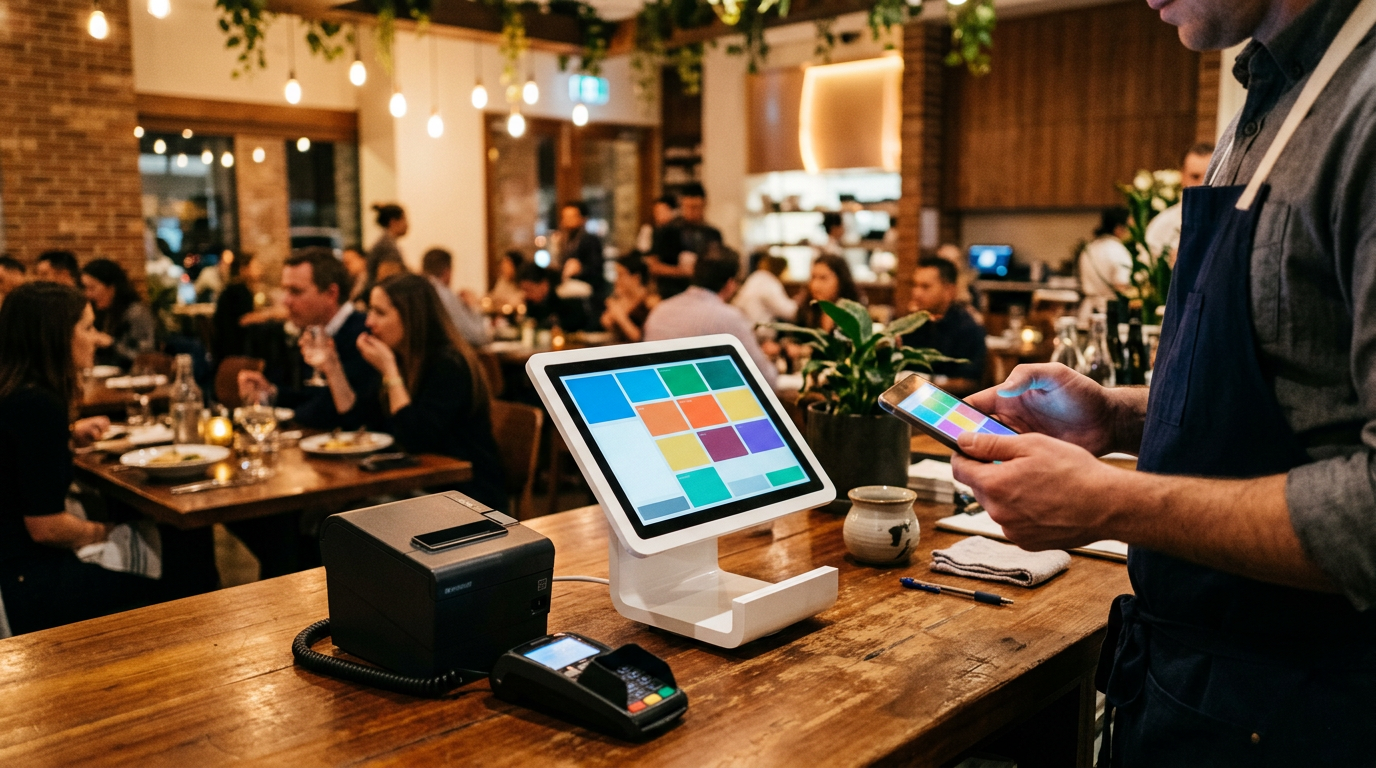
Waiter taking an order on a tablet with a touchscreen POS behind
Restaurants & Cafés

From waiter to till, kitchen to customer, one flow.

Menu, cashier, waiter and customer screens are connected. Orders are taken on a handheld, land on the kitchen screen and close at the till. Guests browse the menu from the QR code on their table.

  • Cashier, waiter, kitchen and customer screens
  • Tables, sections and ticket management
  • Photo QR menu with instant price updates
  • End-of-day, product and staff reports
See this module in a live demo
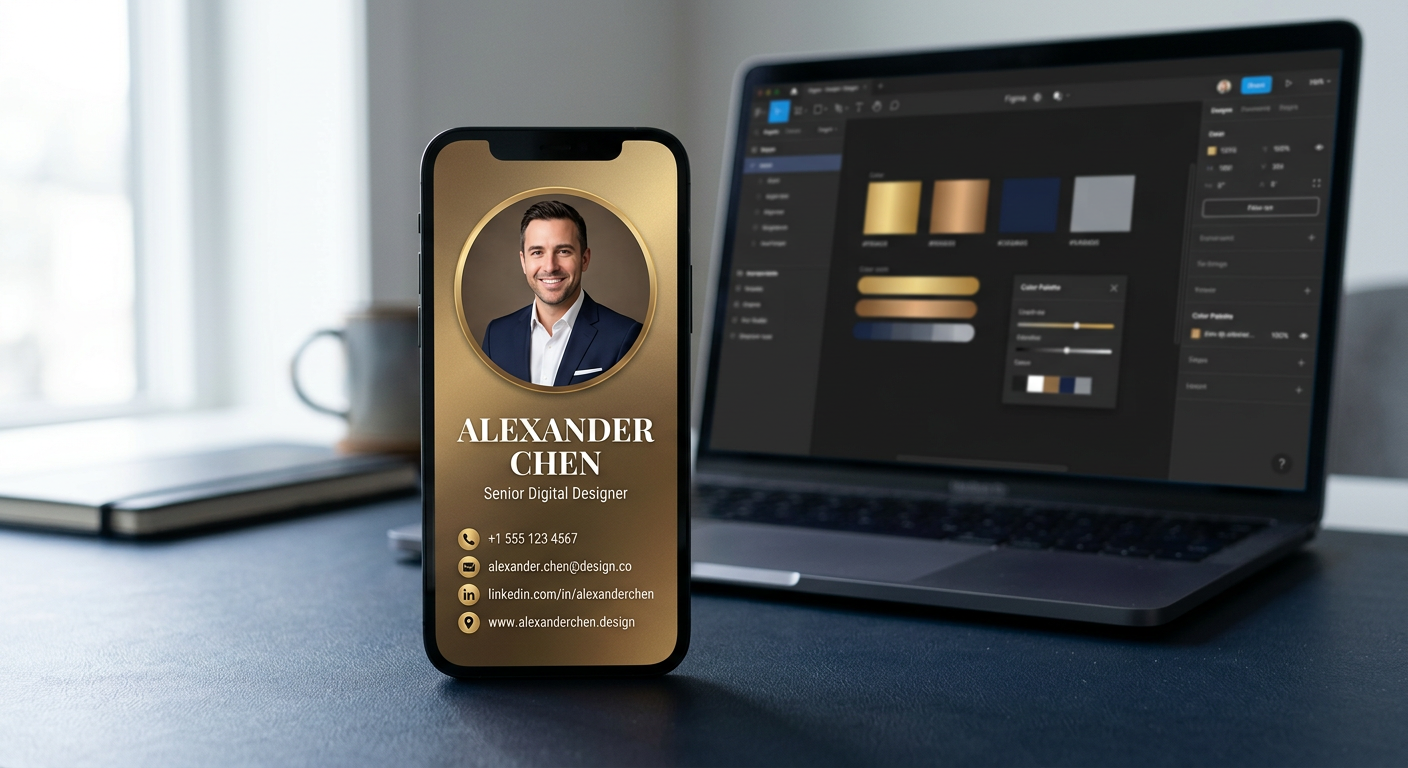
Gold-toned digital business card on a phone, with a design editor on a laptop behind
Digital Identity

Your business card is now a link.

Design it yourself: colors, stage light, LED frame, fonts and icons. Contacts save you with one tap, the QR downloads instantly, and when your details change you never reprint a thing.

  • Original templates and live editor
  • Stage light, LED strip, color and font controls
  • Save contact, call, email and social links
  • A QR code and access control per card
See this module in a live demo
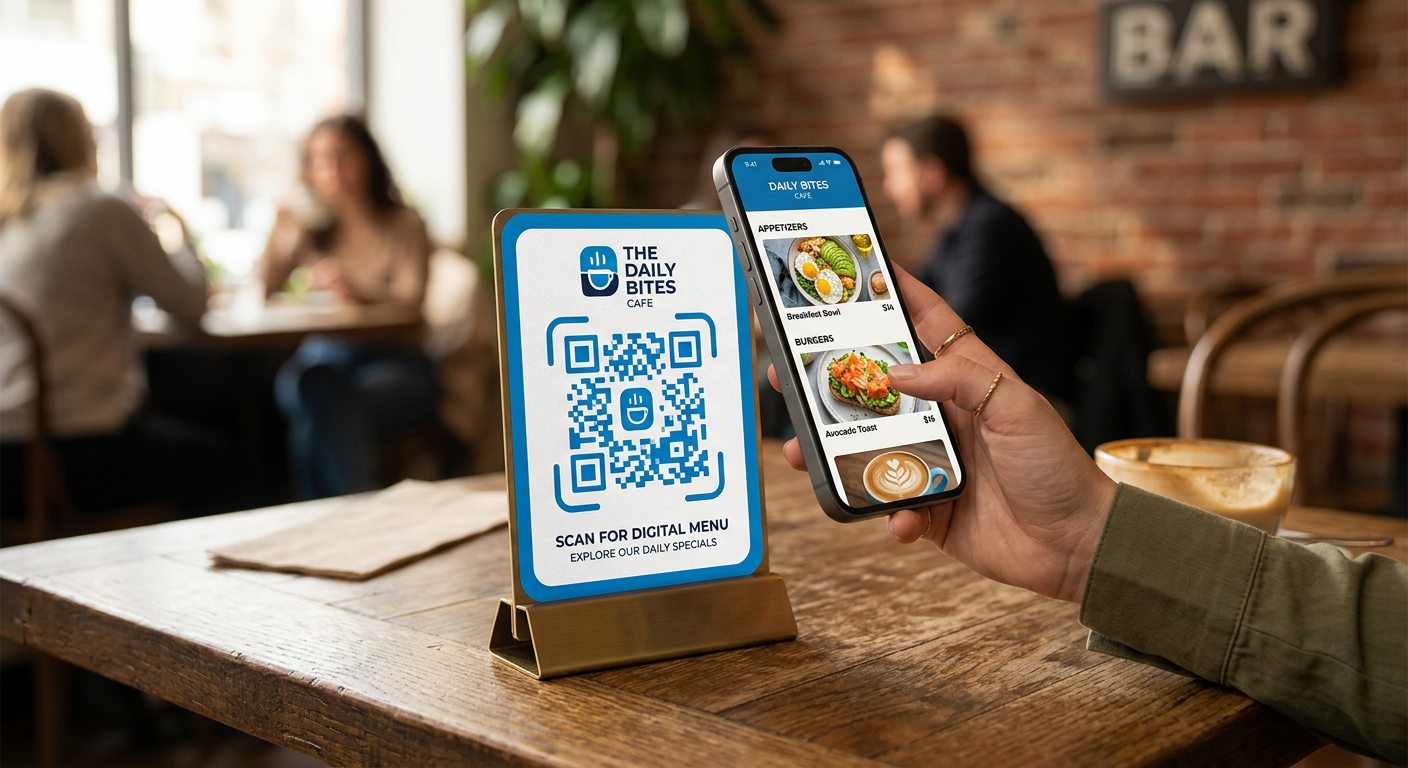
Guest scanning a designed QR code on a café table to open the digital menu
QR Management

A QR code you print is never lost.

Every QR you create is stored in your account. Dynamic QR lets you change where a printed code points without reprinting. Generate branded, colorful, wide-format codes and track every scan.

  • Static and dynamic QR
  • Logo, color and frame designs
  • Scan counts and time statistics
  • Menu, Wi-Fi, review, vCard and link types
See this module in a live demo
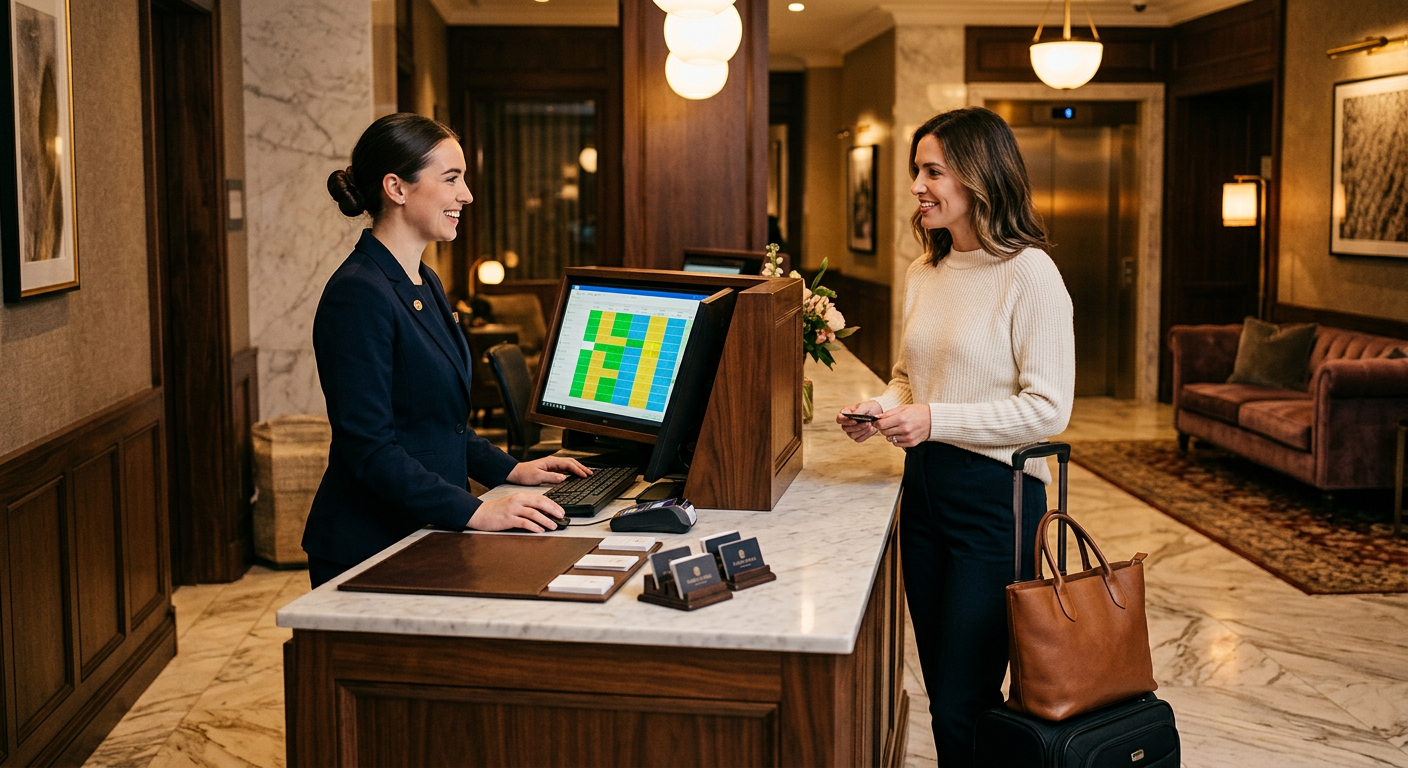
Hotel receptionist welcoming a guest with a room availability screen
Hotels & Hospitality

Every room at a glance from reception.

Reservations, check-in and check-out, room status and guest folios on one screen. Housekeeping marks a room clean and the front desk sees it instantly. Guests get branded Wi-Fi through the hotspot.

  • Room rack and occupancy calendar
  • Check-in / check-out and guest records
  • Folios, extras and payments
  • Housekeeping status sync
See this module in a live demo
Property manager handing keys to a tenant couple at an apartment door
Rental Management (RMS)

Units, tenants, contracts and collections.

Houses, flats, villas or offices: manage every rental in one portfolio. Contract end dates, rent collections and maintenance requests come with reminders, and handover reports are signed digitally.

  • Property, unit and tenant portfolio
  • Contract and rent calendar
  • Collections, arrears and service charges
  • Maintenance requests and handover reports
See this module in a live demo
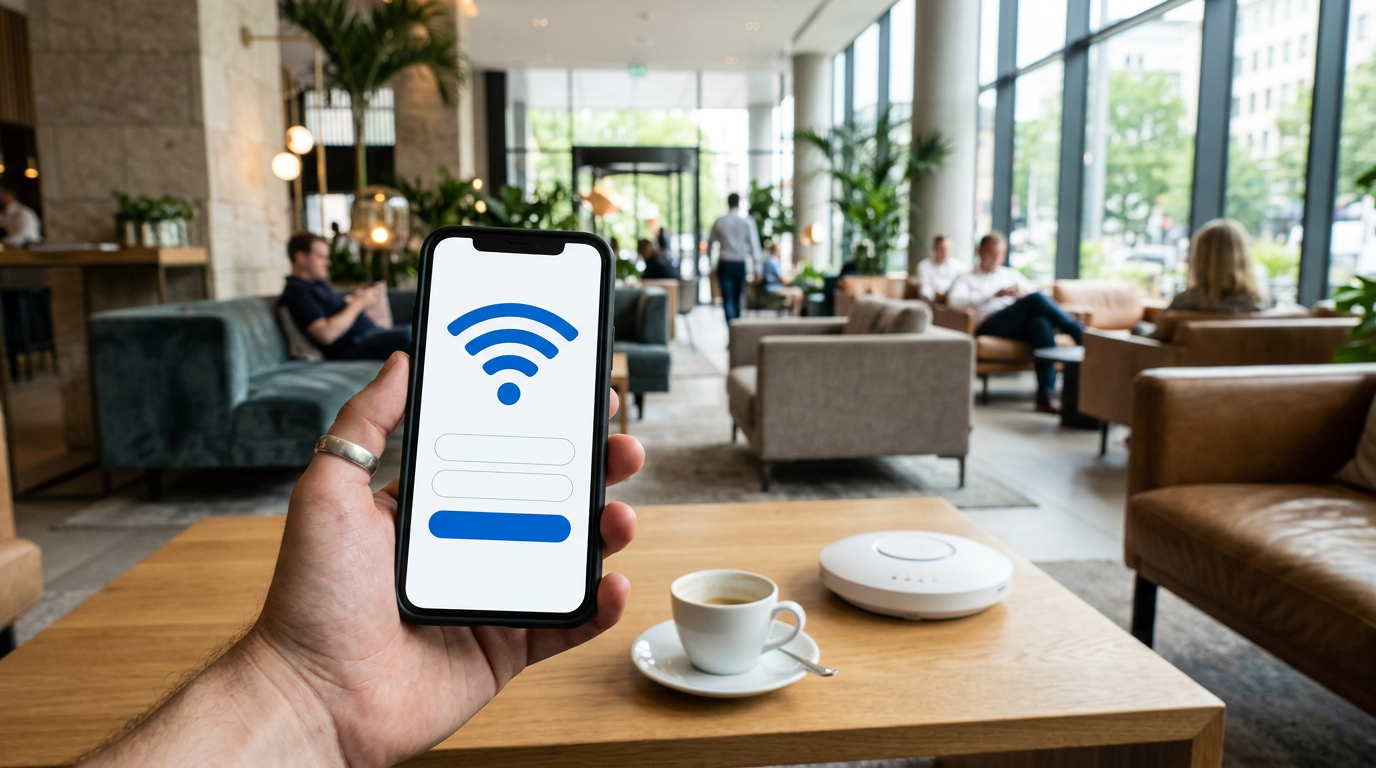
Guest connecting to a branded hotel Wi-Fi page on a phone
Hotspot

Guest Wi-Fi that opens with your brand.

At hotels, cafés and malls, guests connect through a login page you design. SMS or form verification, time and data limits, and legally compliant log retention are all managed from one panel.

  • Branded captive portal
  • SMS, form or room-number login
  • Time, speed and data limits
  • Compliant connection log retention
See this module in a live demo

All modules

Pick what you need. They all speak to each other.

Modules share the same users, permissions and reporting. Start with one today and switch on more as your business grows.

Filter by area

Waiter taking an order on a tablet
Sales & Restaurant

POS & Tickets

An integrated sales system for restaurants, cafés and bars. Waiters take orders on a handheld, orders appear on the kitchen screen and the cashier closes the ticket. The customer display shows the total, and menu price changes reach every screen instantly.

What you can do

  • Cashier, waiter, kitchen and customer screens
  • Table, room and section plans
  • Products, categories, variants and prices
  • Split bills, comps and discounts
  • Works with the QR menu
  • End-of-day, product and staff sales reports
Sample panel view
Open tableswebisyo.com
  • Table 12 · 4 guests$49 · Waiter: CanPending
  • Terrace 3 · 2 guests$21 · paidDone
  • Bar 1In the kitchen · 6 minFiled
See this module in a live demo

16 modules

Who it’s for

Whatever you do, it shapes itself around it.

Why Webisyo

One login, one dataset, one support team.

  • Nothing to install

    Runs in the browser. Desktop in the office, tablet on the floor, phone on the go; same account.

  • Grows module by module

    Start with one module and switch on more when you need them. One dataset, one user.

  • Secure foundation

    Encrypted connections, role-based permissions and a log of every action. Your data, your control.

  • Adapts to you

    Screens, forms, approval chains and reports shaped around your business rules.

  • Less paper

    Documents, menus and business cards go digital. Print costs drop and everything is seconds away.

  • Real support

    Our team is with you from setup through daily use.

Onboarding

Go live in four steps.

We migrate your existing lists and processes. Your team keeps working.

  1. 1

    Discovery call

    We map your business and the modules you need together.

  2. 2

    Configuration

    Modules, menus, rooms, permissions and data migration are completed.

  3. 3

    Training

    Each team learns its own screens in short sessions.

  4. 4

    Go live

    The system goes live and we stay close for the first weeks.

FAQ

Common questions

Do I have to buy every module?

No. Start with just what you need, for example only POS or only digital business cards. Adding a module later takes minutes.

Which devices does it run on?

Any device with a modern browser: desktop, tablet and phone. For POS we recommend touchscreen tills and handhelds; for signing, a tablet with a stylus.

Can my business cards and QR codes get lost?

No. Every card and QR code you create is stored in your account. With dynamic QR you can update the destination without reprinting.

Are tablet signatures valid?

Signatures are logged with time and user details and the document is archived as a PDF. For internal paperwork it replaces paper forms; processes can be configured for specific legal needs.

Can we import our existing data?

Yes. We bulk-import staff lists, menus, rooms and properties, assets and more via Excel.

How is our data protected?

Data travels over encrypted connections, is protected by role-based permissions and every action is logged. Retention rules are configured to match your requirements.

Contact

Let’s pick the right modules for your business.

Fill in the form and we’ll prepare a tailored demo. We’ll get back to you shortly.

Email us directlysales@webisyo.com

By submitting this form you confirm you have read our privacy notice.